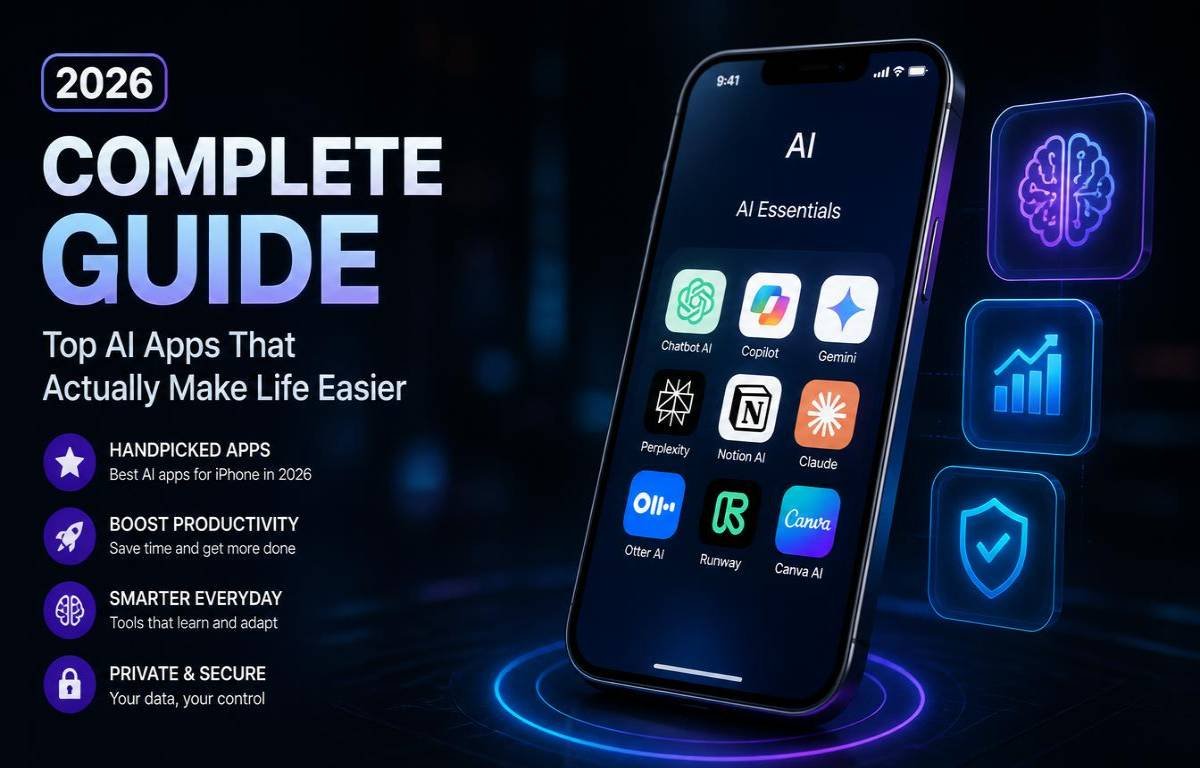
AI on the iPhone has moved far beyond simple chatbot conversations. Today, you can use an AI app to write, research, study, create images, summarize information, work with documents, and even get help with everyday tasks.
But that also creates a problem: which AI app should you actually install? ChatGPT, Claude, Gemini, Perplexity, Copilot, and Apple’s own AI features all have different strengths. Instead of downloading every popular app, it makes more sense to choose one based on what you want to accomplish.
The Best AI Apps for iPhone at a Glance
There is no single AI app that wins every category. One may be better for writing, another for research, while a third makes more sense if you already use Google or Microsoft services every day.
| AI App | Best For | What Makes It Stand Out | Free Option |
|---|---|---|---|
| ChatGPT | Overall use | Versatile AI, voice, images, writing, research | Yes |
| Claude | Writing | Strong editing, reasoning, and document work | Yes |
| Gemini | Google users | Google ecosystem and multimodal features | Yes |
| Perplexity | Research | Search-focused answers and source discovery | Yes |
| Microsoft Copilot | Microsoft users | Microsoft-focused productivity | Yes |
| Apple Intelligence | Built-in iPhone AI | System-level Apple integration | Included on supported devices |
The best choice depends on how you use your phone. Someone who writes every day may have a completely different favorite from someone who mainly researches products, studies, or manages work documents.
1. ChatGPT Best Overall AI App for iPhone
For people who want one AI app that can handle many different jobs, ChatGPT is one of the easiest places to start. It can move from answering a quick question to helping with writing, brainstorming, images, voice conversations, and more without needing a separate tool for each task.
That flexibility is especially useful on an iPhone because you can use it whenever an idea or problem comes up instead of waiting until you are back at a computer.
Why ChatGPT Stands Out on iPhone
The biggest advantage is versatility. You can ask it to rewrite an email, explain a difficult topic, brainstorm content ideas, analyze an image, help plan something, or talk through a problem.
Voice interaction also makes it more practical on a phone. Instead of stopping to type a long prompt, you can simply speak naturally and continue the conversation.
Image input is another useful part of the mobile experience. You can show an AI something through a photo instead of trying to describe every detail yourself.
Who Should Choose ChatGPT?
ChatGPT is a strong choice if you want one general-purpose AI assistant rather than a collection of specialized apps.
It suits students, writers, creators, professionals, business owners, and everyday iPhone users who want an AI tool that can adapt to different situations.
2. Claude Best AI App for Writing and Documents
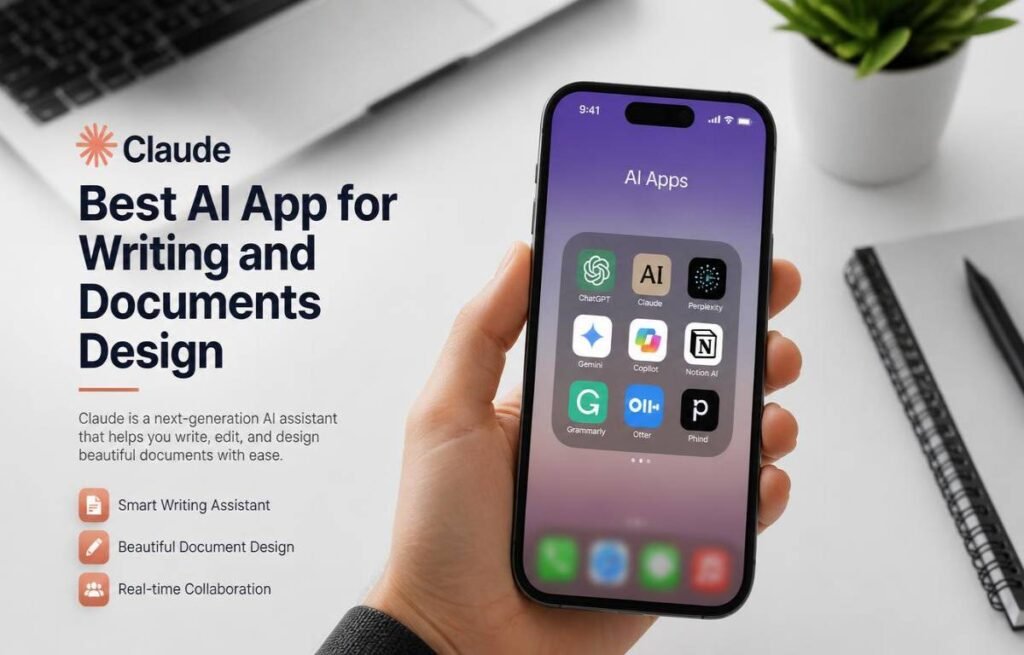
Claude is especially appealing to people who spend a lot of time working with words. If your main AI tasks involve writing, editing, summarizing, brainstorming, or understanding lengthy documents, Claude deserves a place on your shortlist.
It has a particularly useful role for people who want AI to improve their work rather than simply generate something and move on.
What Claude Does Particularly Well
Claude can be useful for polishing articles, rewriting awkward paragraphs, organizing ideas, summarizing documents, and working through complicated written material.
It is also helpful when you want to give an AI a large amount of information and then ask questions about it. That can make it useful for reports, notes, research material, and other documents.
For writers, the difference often comes down to the quality of the editing process. Instead of asking for a completely new piece, you can provide your own draft and ask for clearer structure, smoother wording, or a particular tone.
When Claude Is a Better Choice Than ChatGPT
Claude can make more sense when writing and document work are your main priorities.
If you want an AI that covers a broader range of everyday tasks, images, voice, and general assistance, ChatGPT may be more convenient. If your workflow is heavily focused on text, documents, and careful editing, Claude is worth trying.
3. Google Gemini Best for Google Users
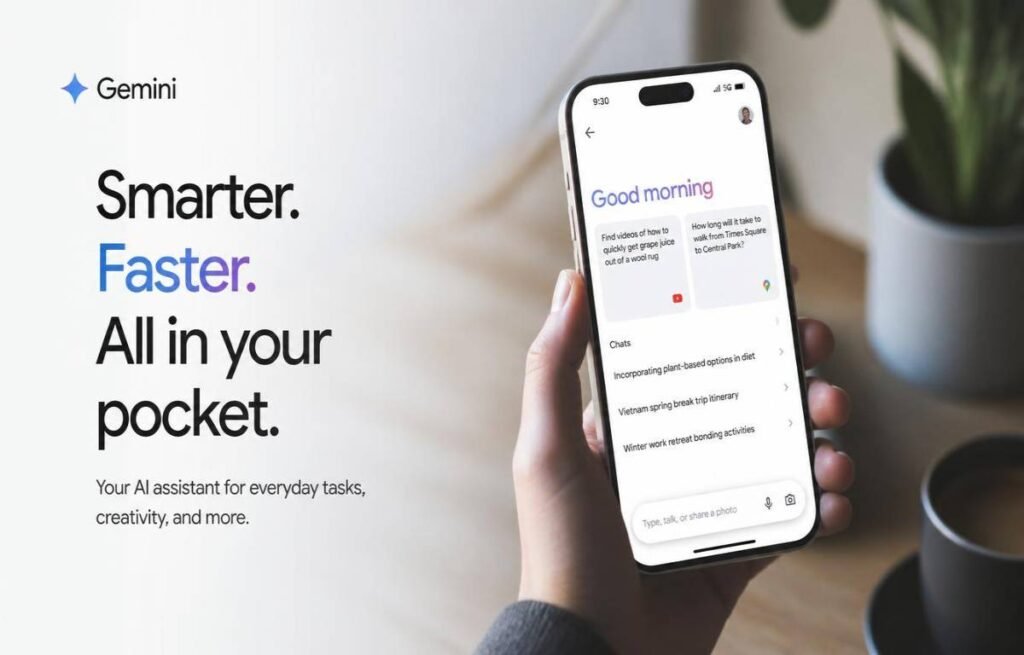
Gemini becomes particularly useful when your digital life already revolves around Google. Instead of treating AI as a completely separate service, it can fit naturally into workflows involving Google’s wider collection of products.
That makes it an especially interesting option for people who already use Gmail, Google Drive, Docs, Maps, YouTube, and other Google services regularly.
Gemini’s Biggest iPhone Advantage
Gemini can handle text, images, voice, and other forms of information from your iPhone. That makes it useful for everything from brainstorming and studying to asking questions about something you photograph.
Its biggest advantage, however, is the Google ecosystem. People who already keep their work, emails, documents, travel information, and other digital activity inside Google may find Gemini more convenient than a standalone AI assistant.
Who Gets the Most From Gemini?
Gemini is a natural choice for heavy Google users.
If your day starts with Gmail, moves into Google Docs, involves Drive files, and ends with YouTube or Maps, having an AI assistant that fits into that environment can be more useful than choosing an app simply because it has a popular chatbot.
4. Perplexity Best AI App for Research
Perplexity is designed around a different idea: use AI to find and explore information.
That makes it especially useful when you do not just want an answer but also want to investigate a subject, compare information, discover sources, and continue asking questions as your research develops.
Why Perplexity Is Useful for Research
Instead of starting with multiple browser tabs, you can begin with a question and use follow-up prompts to narrow the subject.
For example, you could start by asking about a destination, then ask about the best neighborhoods, travel costs, local attractions, and things to avoid. The conversation becomes a research trail rather than a series of disconnected searches.
This makes Perplexity particularly useful for students, researchers, writers, shoppers, travelers, and professionals.
When to Pick Perplexity
Choose Perplexity when research is the main reason you want an AI app.
It is not necessarily the first choice for every creative task. If you mainly want to write stories, brainstorm ideas, have casual conversations, or create content, another assistant may suit you better.
5. Microsoft Copilot Best for Microsoft Users
Microsoft Copilot is most useful when your work already depends heavily on Microsoft’s ecosystem. For people using Word, Excel, PowerPoint, Outlook, and Microsoft 365 services, having an AI assistant connected to that environment can make more sense than using a completely separate platform.
What Makes Copilot Useful on iPhone?
Copilot can help with everyday AI tasks such as writing, brainstorming, summarizing, explaining information, and generating ideas.
Its bigger advantage comes from its relationship with Microsoft’s productivity tools. Depending on your account and plan, its capabilities can extend into the Microsoft 365 environment, making it more relevant for people who already work there.
The iPhone app is also useful when you need quick access to an AI assistant while away from your computer.
Who Should Install Copilot?
Copilot is a good fit for Microsoft-heavy workflows.
If your job or studies already involve Microsoft 365 every day, it is worth testing. If you rarely touch Microsoft’s ecosystem, another AI app may offer more practical value.
6. Apple Intelligence Best Built-In AI Option
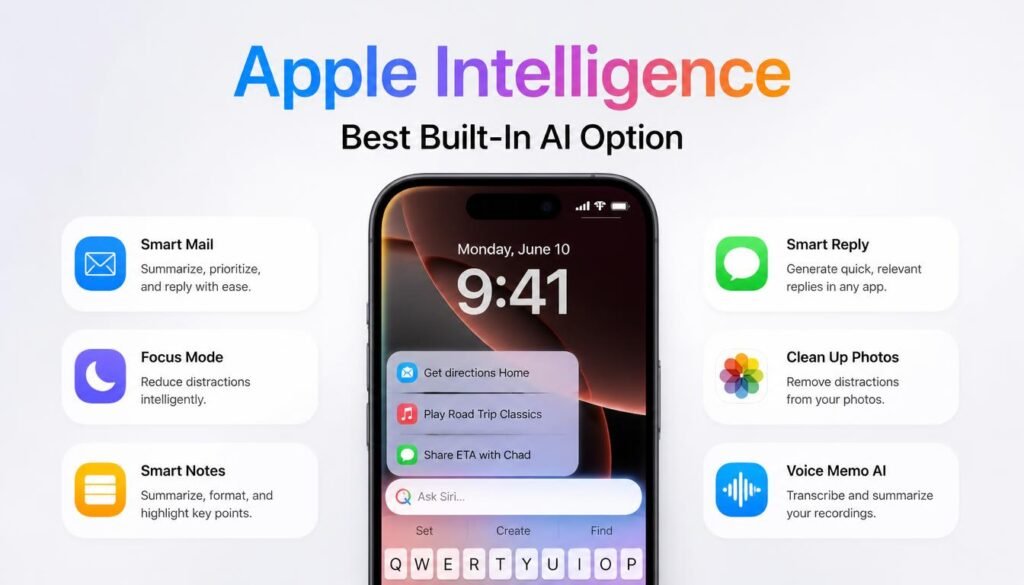
Apple Intelligence is different from the other choices because it is not simply another chatbot you download from the App Store. It is built into supported Apple devices and works across parts of the iPhone experience.
That means some users may not need another AI app for certain everyday tasks at all.
What Apple Intelligence Can Do
Apple Intelligence can assist with writing, rewriting, summarizing, image-related tasks, visual understanding, and other everyday activities across supported Apple features.
The newer Siri experience also moves beyond traditional voice commands. Apple’s current AI direction is designed to make Siri more conversational and more capable of understanding what you are doing on the device.
That built-in approach can be convenient because you do not always need to copy information from one app into another.
Which iPhones Support It?
Apple Intelligence is available on newer supported iPhones rather than older models. Current compatibility includes iPhone 15 Pro and iPhone 15 Pro Max, iPhone 16 models and later supported generations.
Availability can also depend on software version, language, and region. So if Apple Intelligence is important to you, check your specific iPhone and current iOS version before assuming every feature will be available.
Choosing the Right AI App for Your iPhone
You do not need six AI assistants competing for space on your home screen. Start with what you actually need, then choose the app that fits that task best.
Choose ChatGPT if you want an all-purpose AI assistant that can handle many different jobs.
Choose Claude if writing, editing, and document work are your main priorities.
Choose Gemini if you already depend heavily on Google services.
Choose Perplexity if research and finding information are your biggest reasons for using AI.
Choose Copilot if most of your work happens inside Microsoft products.
Choose Apple Intelligence if you have a compatible iPhone and want AI integrated directly into the Apple experience.
You can also use more than one. There is nothing wrong with using Perplexity for research and ChatGPT for writing, for example, if that combination genuinely saves you time.
Are AI Apps on iPhone Free?
Most of the major AI apps offer some type of free access, but free does not necessarily mean unlimited. Advanced models, larger usage limits, image creation, research tools, file handling, and other features may be restricted depending on the service.
For occasional use, a free plan may be perfectly adequate. If you use AI several times a day for work or study, you may eventually find the limits restrictive.
It is also worth checking what you are actually getting before paying for a subscription. AI services change their features and plans frequently, so an old pricing comparison can become outdated surprisingly quickly.
Apple Intelligence works differently because supported features are part of the Apple software experience on compatible devices. You do not need to buy a separate chatbot subscription simply to access Apple’s built-in AI features.
What to Look for Before Installing an AI App
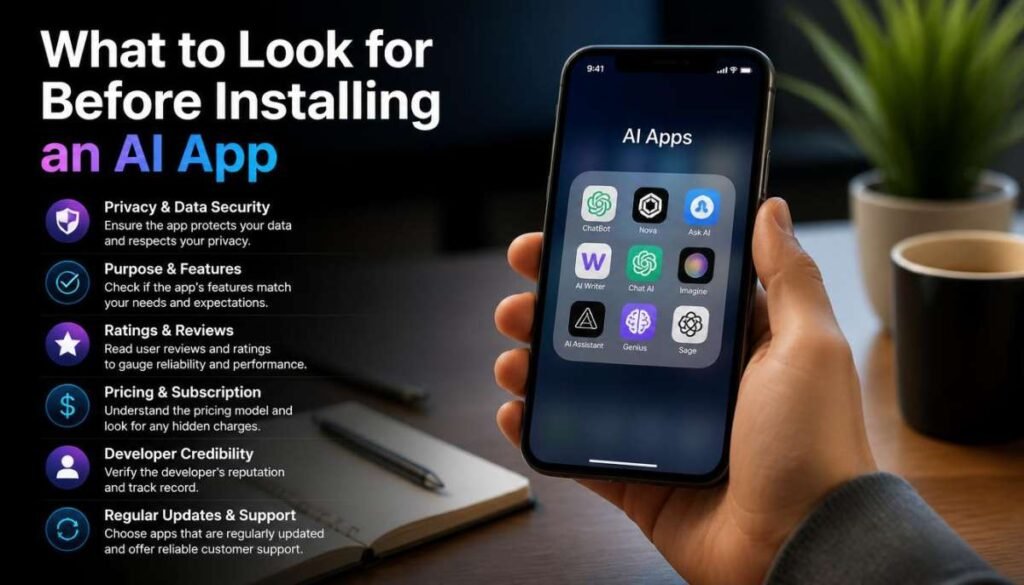
Choosing an AI app is not only about which one has the smartest model. On an iPhone, the way the app fits into your daily routine matters just as much.
Privacy
Think carefully before giving an AI app access to personal documents, photos, emails, or other sensitive information. Check its privacy settings and understand what information you are allowing it to access.
Voice Experience
If you want to talk to your AI instead of typing, look for an app with a voice experience that feels natural. This can make a major difference when using AI while walking around or multitasking.
Image and Camera Features
The iPhone is already a powerful camera device, so image-based AI can be extremely useful. Look for apps that let you upload or analyze images when that is relevant to your needs.
File Support
If you work with PDFs, presentations, spreadsheets, or other documents, check whether the app supports the file types you actually use.
Ecosystem Integration
Think about where your existing information lives. Google users may naturally lean toward Gemini, Microsoft users toward Copilot, while compatible iPhone owners may get substantial value from Apple Intelligence.
Free Usage Limits
A free plan is useful only if it gives you enough access to complete your normal tasks. Before subscribing, use the free version for a while and see whether you actually hit its limits.
Official Publisher
Always check the developer name before downloading an AI app. Popular AI brands can attract unofficial or misleading apps, so make sure you are installing the legitimate application.
Frequently Asked Questions About AI Apps for iPhone
What is the best AI app for iPhone?
ChatGPT is one of the strongest all-around choices because it can handle writing, questions, brainstorming, images, voice, and many everyday tasks. However, the best option depends on what you want the app to do.
Which AI app is best for free use?
There is no permanent winner because free limits and features change. ChatGPT, Claude, Gemini, Perplexity, and Copilot all offer ways to use their services without immediately paying, while Apple Intelligence is built into supported Apple devices.
Is ChatGPT better than Gemini on iPhone?
It depends on your workflow. ChatGPT is a strong general-purpose assistant, while Gemini can be particularly attractive to people who already use Google’s ecosystem extensively.
What is the best AI app for research?
Perplexity is a strong option for research because its experience is built around searching, exploring information, and following sources. ChatGPT and Gemini can also be useful for research depending on the type of work you are doing.
Does iPhone already have AI built in?
Yes. Supported iPhones have Apple Intelligence integrated into the operating system. The available features depend on your iPhone model, software version, language, and region.
The Best AI App Depends on How You Use Your iPhone
The biggest mistake is choosing an AI app simply because everyone else is talking about it. Your best option may be completely different from someone else’s.
For an all-purpose assistant, ChatGPT is a strong starting point. Writers may prefer Claude, Google users can get more value from Gemini, and people who spend their time researching will likely appreciate Perplexity. Copilot makes the most sense for Microsoft-focused workflows, while Apple Intelligence is worth exploring first if your iPhone supports it.
The smartest approach in 2026 is not to collect every AI app. Choose the one that fits your workflow, test its free features, and keep only the tools that genuinely make your iPhone more useful.

Finn Cole is a professional celebrity insider and entertainment journalist who lives for the spotlight. From breaking red carpet news to uncovering behind-the-scenes stories of your favorite stars, Finn brings you the exclusive scoop on everything Hollywood and beyond. If it’s trending, he’s already talking about it.